
Motion graphics for education creators
Make your audience see what you're explaining.
Wherever you're explaining something, there's a graphic drawn for it. You send a finished video and write nothing: no brief, no shot list.
Before and after, on real footage.
Every sample is one moment out of a longer video. Switch between Before and After to see what changed.
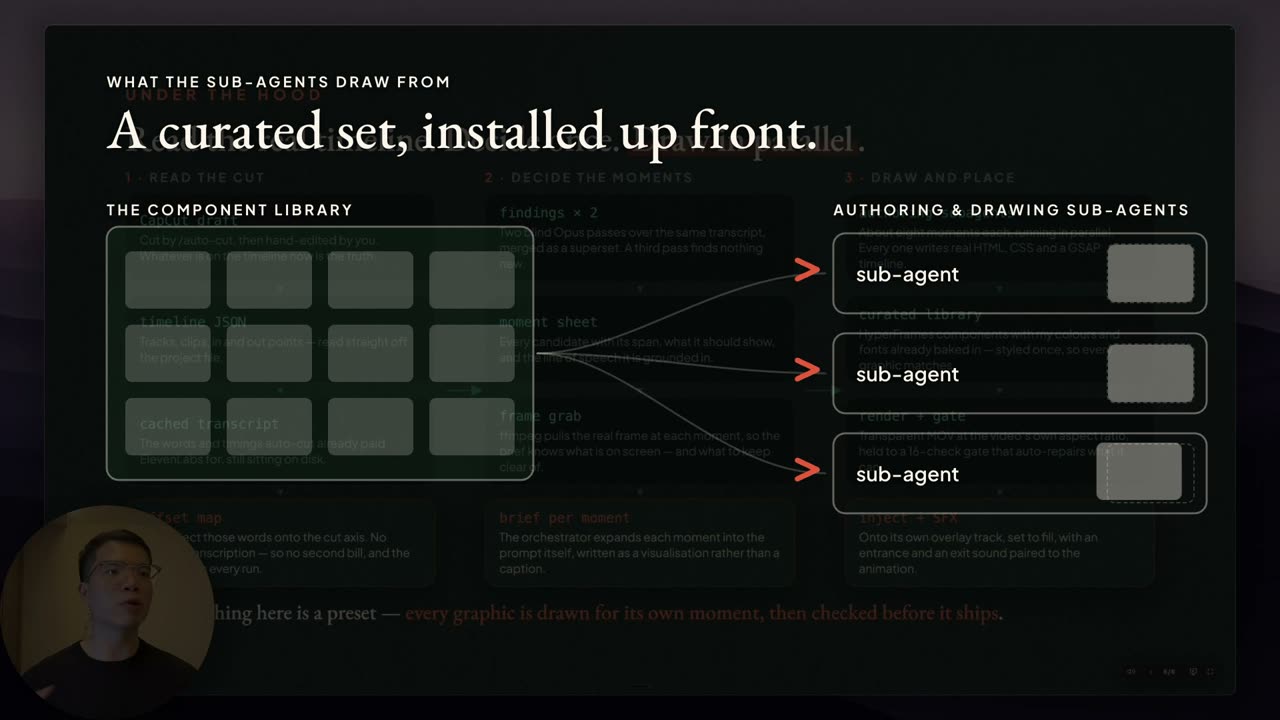
A grid of parts feeding three panels that fill at the same time. · 14.5s
Your viewer is doing two things while you explain.Following your words, and picturing what you mean.
Some things are hard to picture from words alone.
The graphic does that part for them.
What changes for you
You never write a brief
You send the video and nothing else. No shot list, no notes on what graphic goes where, no calls.
You never chase anyone
I work on your finished video. If someone else edits it, they never have to deal with me. Nothing gets passed back and forth.
You still look like you
Nothing about how you talk to camera changes. The graphics are there to explain, not to make your video look expensive.
You stay the explainer
You don't have to learn design or buy software. You keep doing the part you're good at, which is explaining things.
Your upload date doesn't move
It comes back the next working day. Your video still goes out when you planned.
Who this is for
This is for you if
- You publish long-form horizontal videos that teach something, like tutorials, lessons or how something works under the hood.
- You talk to camera and share your screen, and you want some movement on screen to keep viewers watching.
- You're already publishing on a schedule you're trying to keep.
- Your value is what you explain, and you want the explanation visible.
This is not for you if
- You want your edit changed or restructured. I don't touch your cut.
- You want b-roll added. Graphics are drawn for what you're saying, not stock footage laid over it.
- You only publish short-form vertical clips.
- You're not publishing yet. This is for people already shipping videos.
How it works
Send me a final copy of your video
Whatever you were about to upload. Fully edited, colour graded, done. I work on top of it, so nothing about your cut changes.
I overlay motion graphics and sound
I'm a computer engineer, and I built a system that finds the moments where you're explaining something and draws graphics for them. Sound effects come with them, not as an add-on.
You get the upgraded copy back in 1 working day
Exported at the same resolution you sent me. Drop it straight into your posting schedule.
You don't direct any of this. If a graphic doesn't work for you, tell me and I'll take it out. If one is wrong, like a typo or a wrong fact, I'll redraw it. What I don't do is redraw one to your spec. They're drawn for the moment, not picked from a list.
What it costs
US$349per video
For a video up to 20 minutes.
+US$150 for every 10 minutes after that.
Work like this usually takes days, and rushing it costs extra. Yours comes back the next working day, at the standard price.
I'm still establishing this service, so you keep this rate for your first three videos.
What's included
- Graphics drawn for your moments, not pulled from a template library
- Sound effects on every animation
- Around 50 separate animations in a 20-minute video
- Exported at the same resolution you sent
- Your edit untouched. I work on top of it
- Back to you in 1 working day
Nothing is charged until you've seen your exact price.
Send me your next video.
You send it, you write nothing. I'll come back with the price and when you'll get it back. If it's not a fit, I'll say so.
No call needed. No retainer.